Upgrade your existing Windows 10 PC to Windows 11 for free via Windows Update (if hardware compatible).

Option 2:
Enroll in Windows 10 Extended Security Updates program. (Valid until Oct 13, 2026).
Option 3:
Upgrade to a new or refurbished Windows 11 system (Recommended).

Benefits
How to check if your current PC is Windows 11 compatible:
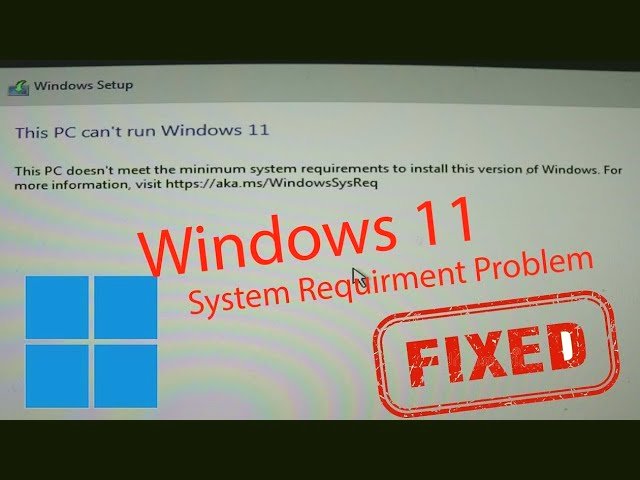
The easiest way to check compatibility is to download Microsoft’s free PC Health Check app from their website, which will scan your system and tell you if it meets all requirements. Alternatively, if your PC is already compatible, you’ll see a Windows 11 upgrade option available in Windows Update.
Windows 10 End of Support is Coming – October 14, 2025
This is a friendly reminder that the end of support (EOS) date for Windows 10 is approaching on October 14, 2025—less than 3 weeks away. After this date, Microsoft will no longer provide security updates, bug fixes, or new features for Windows 10, leaving your system vulnerable. Below, we outline the risks, key information, and your best options to stay protected.